Why your dashboard doesn't match CRM numbers
The gap is almost never a bug in the dashboard, and comparing totals will never tell you what it is.
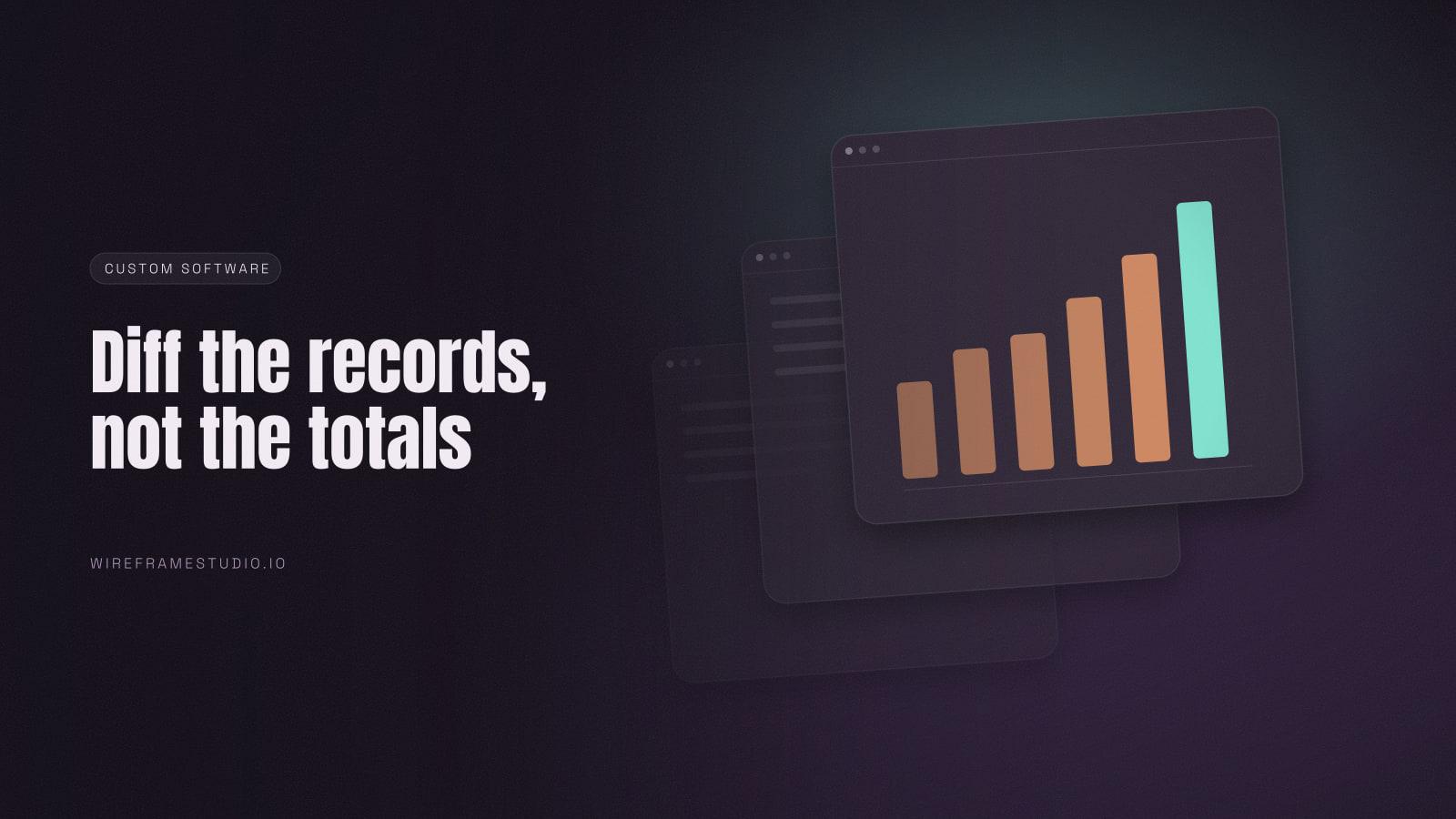
Say you run a 25-person equipment hire business in Houston. Monday, 7:40am. The ops dashboard someone built you says 118 contracts are out on hire. You open HubSpot while the coffee brews and the deal board says 124. Six contracts out. Not a rounding error, not a disaster, just enough to make the number useless in the meeting at eight.
So you ask the developer. You get an answer about caching. Next Monday the gap is four. The week after, nine.
When your dashboard doesn't match CRM numbers, the two systems are almost always counting different sets of records rather than counting the same records wrongly. The usual culprits are three: rows the CRM has archived but the dashboard still counts, a sync that stopped partway through a page of API results, and two different answers to the question of when a day begins. You find out which by comparing lists of record IDs between the two systems, not by comparing the totals.
Why doesn't my dashboard match my CRM?
Because both numbers are usually right, and they're answering different questions. A total is a filter plus a definition plus a clock. Change any of the three and the total changes with it, without anything being broken.
Developers reach for caching first because caching is the explanation they can fix in an afternoon. It's rarely the cause. A cached number is wrong for five minutes, then correct. A definition mismatch drifts, which is exactly the pattern you saw: six, then four, then nine.
The two systems disagree about what counts as a record
Your CRM has opinions you never agreed to. A customer relationship management system holds records wrapped in pipelines, stages, owners and saved views, and a report inherits all of it. HubSpot's deal board shows deals in the pipelines a user can see, in the stages that view includes, minus anything archived.
Your dashboard runs a query against a table. Those are not the same population. The gap grows every time somebody archives a deal, merges two duplicates, or moves one into a pipeline nobody put in the sync filter, and automations that create duplicate records widen it from the other end.
They also disagree about when the day starts
This causes more arguments than everything else combined, and it's invisible until you look for it.
Most databases store an instant, not a date. A Postgres timestamptz column holds a single point on the UTC timeline (Coordinated Universal Time, the zero-offset reference clock) and throws away the zone it arrived in. So "contracts opened today" means nothing until something picks a time zone, and the thing that picks it is usually whatever the server was set to. Postgres handles this properly if you ask: its date/time functions include a three-argument date_trunc that truncates to a named zone, so you can group by a real Houston day.
Your CRM, meanwhile, uses the account time zone an admin set during onboarding and nobody has looked at since. So a contract signed at 6:15pm Central lands on one date in the CRM and the next date on the dashboard. Daylight saving then changes the size of that gap twice a year. The number appears to heal itself, then breaks again in March.
Which number is right, the dashboard or the CRM?
Default to the CRM for anything the CRM owns, and only until somebody writes the definition down.
The CRM is where the record was created and where the sales team changed it, so it's the closest thing to a primary record you have. That doesn't make its report correct. It makes its report the one you explain a difference against. And neither number is right while "open contract" means two things, which is not a problem a query fixes. The fix is a sentence, agreed in a room: an open contract has a signed start date, no return logged, and a status other than cancelled.
Write that down and the reconciliation becomes arithmetic. Leave it undefined and you'll rebuild the same dashboard three times.
Why does my dashboard show more records than the CRM?
Nearly always soft deletes and archives: rows the application treats as gone but the database still holds.
Most well-built systems don't actually delete. They set a deleted_at timestamp and filter it out at the application layer, which is the right call for audit and recovery. As Metabase's glossary notes, querying a soft deleted table directly means every count, sum and average silently includes rows the product considers gone. One missing deleted_at IS NULL in a reporting view does it.
The nastier version involves archiving in the CRM. HubSpot's CRM search API documentation states that archived CRM objects won't appear in any search results.
Read that from the point of view of a nightly sync. Ask the search endpoint what changed since yesterday and an archived record doesn't come back as archived. It doesn't come back at all. Absence is not a signal, so the sync learns nothing and your dashboard keeps that contract open until somebody notices by hand.
The fix is a sync that re-reads the full record set on a schedule instead of trusting a change feed forever.
Why does my dashboard show fewer records than the CRM?
Because the sync didn't finish and nothing told you.
Syncs pull records through the CRM's API, the programmatic interface a platform exposes to other software, a few hundred at a time. Pagination is where it breaks, and the limits are documented. HubSpot's search endpoints return at most 200 records per page, cap out at 10,000 total results for any given query, and return a 400 error if you page past that ceiling. The account rate limit is five requests per second.
Now picture a sync written when the business had 3,000 contracts, running against 11,000. It pages happily to the ceiling, hits the wall, and either errors into a log nobody reads or stops with a partial result that looks exactly like a complete one.
Three more ways a sync quietly under-reports:
- A 429 response mid-run with no retry. 429 is the status a platform returns when you've gone over its rate limit. The job logs a success because the last request succeeded. The records it skipped are gone until the next full pull.
- Incremental syncs keyed on a last-modified timestamp. If a change doesn't touch a property on the record, the timestamp doesn't move, so the change is invisible to a "what changed since" query. Association changes are the classic case.
- A filter that was true when it was written. A sync scoped to two pipelines in 2024 is now missing the three that sales created since.
Every one of those failures is silent. The job exits zero, the dashboard renders, and the only symptom is a number slightly too small. Same blind spot as not knowing when an automation stopped working, and the same fix: a check that goes looking for missing records rather than waiting to be told.
How do I reconcile dashboard and CRM totals?
Stop comparing totals. Compare lists of IDs and look at what falls out.
- Freeze a window. Pick one closed period, last Tuesday or last month, and work only on that. A moving window means you can never tell a real difference from a timing one.
- Force both sides into the same zone. Name it explicitly, use half-open bounds (
>= startand< end), and never rely on a session default. - Count the population before the metric. Get both sides to agree on how many records exist before you argue about revenue, hours or job value.
- Export both ID lists and diff them. Two CSVs and a set difference. You now have a list of records in the CRM but not the dashboard, and a list in the dashboard but not the CRM.
- Open five from each list. Five is enough. The cause is usually obvious by the third one, and the two lists almost always have different causes.
- Write the cause next to each count. "118 open, plus 4 archived last week, plus 2 outside the synced pipelines, equals the CRM's 124." A documented difference is a resolved difference.
That last step ends the Monday argument. Not because the numbers agree, but because the difference now has a name.
What a reconciliation view should show
Every dashboard we build that reads from a system of record gets one screen nobody asks for. Four things on it: the time the last sync finished, the count on each side for the current period, the difference, and a link to the records that differ. Nobody demos that screen. It's the one people open when a number looks wrong.
It's also one of the first things to break on the way up from a spreadsheet, which we went through in what breaks when you turn a spreadsheet into an app. In our custom software builds, it's scope rather than an add-on.
What changes for CRM dashboards by 2028
One thing is already on a calendar: the API version your dashboard is pinned to will stop working.
Salesforce's API End-of-Life policy puts Platform API versions 31.0 through 40.0 into deprecation from the Summer '27 release and retires them in Summer '28. Versions 21.0 through 30.0 were retired in Summer '25. After retirement, REST, SOAP and Bulk requests to those versions fail. Every integration carries its version in the URL path, so that number is sitting in your codebase right now and nobody remembers it.
Three small jobs. Find the version string in your sync code, print it on whatever health screen the tool already has, and put the retirement date in a shared calendar with the system's name next to it.
The pressure behind this is rising. In its 2026 State of Analytics Engineering report, published in April 2026 from 363 practitioners and leaders, dbt Labs found the share naming increasing trust in data as a priority jumped from 66% to 83% in a year. The reason is AI. A number a person reads in a meeting gets checked by somebody who can say "that can't be right", and a number an assistant reads and acts on does not.
When a custom dashboard is the wrong thing to build
Three honest cases, and the first one costs us work.
If every figure you care about lives in one CRM, and the question fits that CRM's own report builder, use the report builder. HubSpot, Zoho and Salesforce all ship competent reporting, and a native report can't disagree with its own database. We talk people out of builds on this basis, and it loses us the work.
A dashboard also can't settle a definition. If sales counts a job at quote acceptance and finance counts it at first invoice, no query reconciles that.
Then the cost of doing it properly. Reconciliation adds real hours and ships nothing anyone wants to demo, so it's the first line most people cut from a quote. Which means our quotes look worse than the ones that leave it out. We price it in anyway, because the alternative is a dashboard nobody opens by month six.
What to do this Monday
Before the meeting: pick one number on your dashboard and one in your CRM that should match, export both lists of record IDs for a single closed week, and diff them. Twenty minutes. Either they agree, which is worth knowing, or you have a short list of records that tells you which cause above is yours.
If the diff comes back messy and you'd rather not spend a fortnight on it, tell us what the two numbers are and we'll look at the gap with you.
Common questions
Still wondering
Could a cache really explain the difference?
Rarely, and you can rule it out in a minute. A cached number is wrong for as long as the cache lives, then correct again, so the gap appears and vanishes on a fixed cycle. A definition or sync problem drifts instead: six records one week, four the next, nine after that. If the gap grows over time rather than resetting, stop looking at the cache.
Can we point the dashboard straight at the CRM and skip the sync?
Sometimes, and it removes a whole class of problem. Querying the CRM live means there is no second copy to drift. The limits are rate caps, result ceilings and speed, so a screen that needs several thousand records or a year of history will be slow or will fail. A common middle path is live reads for small lists and a synced copy for anything aggregated.
How often should the sync run?
Match it to the decision the screen supports, not to how often the data changes. A dispatch board people work from needs minutes. A monthly revenue figure is fine nightly. More useful than frequency is a visible last-synced time on the screen, plus a full reconciliation pull on a schedule, so nobody reads a stale number believing it is current.
Who should own the definition of a metric?
One named person in the business, not the developer and not the CRM admin. The developer can only implement a definition that already exists, and whoever writes the query ends up inventing one by accident if nobody else has. Pick the person who answers for the number in a meeting, have them write one sentence per metric, and keep those sentences where both teams can read them.
Read next

What breaks when you turn a spreadsheet into an app
Before you turn a spreadsheet into an app, run three checks on your data. They decide the quote, the timeline and whether the build holds.
How to tell if an AI receptionist CRM integration is real
Most AI phone vendors say they integrate with your CRM. Here is what that word hides, and the one live test that tells you which level you are buying.
What happens when your automation fails halfway?
When an automation fails halfway, the steps that already ran stay run. How to recover those records, and how to build so a failure costs you nothing.