How to tell if an AI receptionist CRM integration is real
Four questions for the demo, and one cancel-and-rebook test that settles it in a minute.

You're twenty minutes into a demo. The salesperson shares their screen, plays a recording of an AI agent taking a call from a woman with no hot water, and says the sentence you've been waiting for. It integrates with ServiceTitan.
So you buy it. Six weeks later your office manager is still at their desk at 7am, reading call summaries out of an inbox and typing them into the dispatch board by hand.
That gap usually isn't a lie. It's a vocabulary problem. The word "integration" covers four genuinely different things, and in a thirty minute demo the cheapest one looks exactly like the most expensive one.
The four things a vendor can mean by integration
Here they are, ranked by how much typing they actually remove from your week.
A notification. The agent takes the call and sends a transcript and a summary to an inbox, or an SMS, or a Slack channel. A person reads it and enters the job. Every vendor at this level still says "integrates with", because it connects to something. It just doesn't connect to your CRM.
A one-way push. After the call ends, the agent creates a record: a new customer, or a lead sitting in the job inbox waiting for triage. Better. But the agent never reads anything back, so it cannot tell a caller whether Thursday morning is open. What it can say is "someone will call you to confirm a time", which is the sentence that costs you the booking, because the caller then rings the next company on the list and gets a real slot.
Read and write. Mid-call, the agent queries your schedule, sees Thursday between ten and twelve open for a tech who can do a water heater, holds it, and writes the job with the address, the job type and the arrival window. The caller hangs up booked. This is the thing everyone pictures.
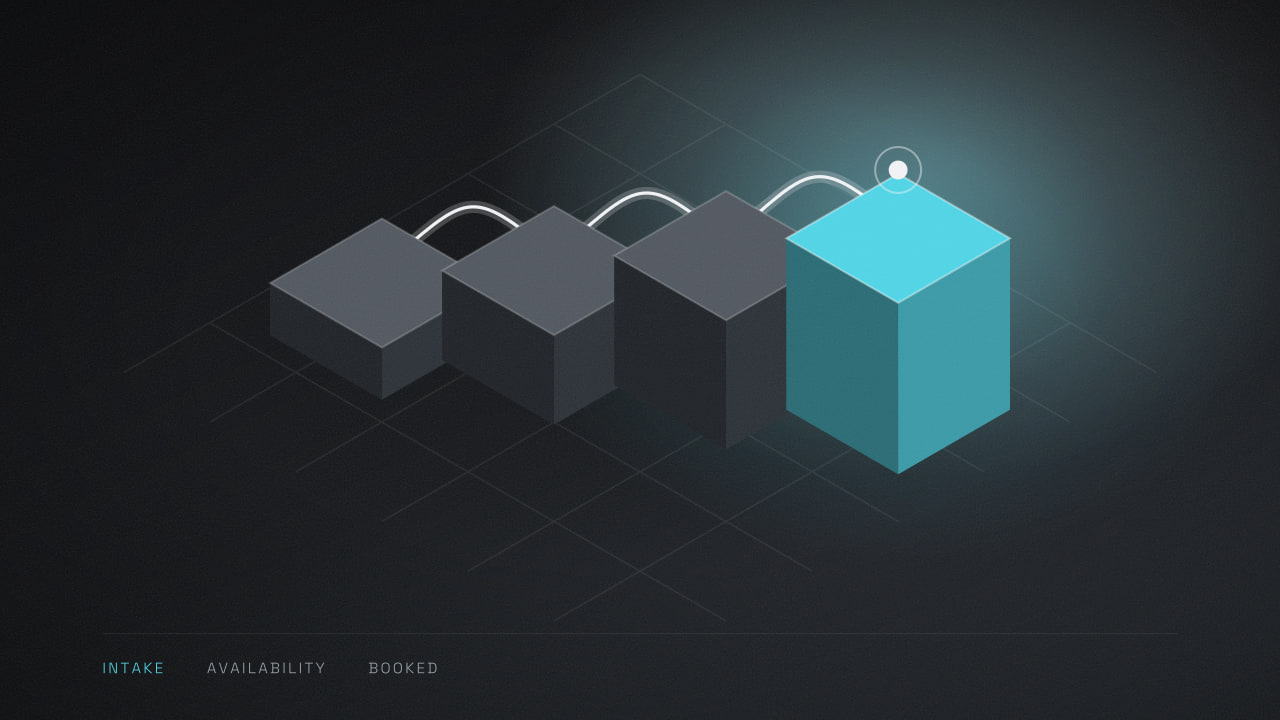
Read, write and reconcile. All of that, plus the awkward second cases. An existing customer matches their existing record instead of becoming a duplicate. A cancellation puts the slot back. A reschedule edits the original job rather than leaving two on the board, one of which nobody ever cancels.
Most products sold with the phrase "native integration" sit at level two. A handful reach level three for brand new customers only, which is exactly why your repeat customers turn into duplicates and your marketing reports start lying to you about how many first-time calls you get.
Why a Zap can't tell a caller whether Thursday is free
This one is worth understanding, because it's the difference the demo hides.
A lot of "integrations" are a Zapier workflow behind a friendly logo. Zapier is decent software and we use it. But most Zapier triggers poll: they ask the other system "anything new?" on a fixed schedule rather than being told the moment something happens. Zapier's own docs put that interval at every one to fifteen minutes, depending on your plan.
Now look at the clock on a phone call. A booking conversation is ninety seconds. The window where the agent has to know whether Thursday at ten is free is about four seconds wide, somewhere in the middle of it. Nothing that polls on a one to fifteen minute cycle can answer inside that window. It's the wrong shape for the job.
Webhooks fix half of it, since a webhook fires the moment something changes rather than waiting to be asked. They still push one way, after the fact. For an agent to offer a time it can stand behind, it has to call your CRM's API mid-conversation and get an answer back in a few hundred milliseconds.
So the question to ask isn't "do you integrate with Jobber". It's whether the agent reads the calendar while the caller is still on the line.
Your CRM sets the ceiling, not the vendor
Here's the part nobody selling you an agent brings up first. What's possible is decided by the software you already pay for, and sometimes by which plan of it you're on.
Housecall Pro publishes a public API with webhooks, and its own help documentation says that API access is available only to Pros on a MAX plan. If you're on a lower tier, level three is off the table. Not off the table with that vendor. Off the table with every vendor, including us. Anyone who tells you otherwise is planning to log in as one of your users, which we'll come back to.
ServiceTitan runs a developer programme where an application has to be registered, reviewed and approved before it can touch a customer tenant, and their developer FAQ describes approval as a periodic review you should allow business days for. That has a useful side effect: if a vendor promises you'll be live on a fresh ServiceTitan tenant by Monday, they are not going through the front door.
Jobber's apps declare explicit scopes, and those scopes are shown to you on the authorisation screen when you click Connect. Read that screen instead of clicking through it. Whatever the brochure said, the list on that screen is what the vendor is actually asking for.
Four questions that end the ambiguity
Ask these in the demo. They take four minutes and they sort the field.
Which direction does data move, and does the agent read my calendar during the call? Listen for hedging. "It syncs" is not an answer. "It does a live availability lookup before it offers a time" is.
How do you connect: an approved app with its own key, or a login you'll ask me to create? If the answer is a login, understand what you're agreeing to. The agent gets whatever permissions that seat has, every action it takes appears in your audit log under a person's name, and the whole thing stops working the day someone rotates the password or turns on two factor authentication. It also can't be revoked without locking out a real user.
What happens when the caller is already in the system? Ask them to describe the matching rule out loud. Phone number, name and address, or nothing at all. Duplicate records are quiet damage: they break your repeat customer numbers before anyone notices.
What happens when the integration fails mid-call? There is a correct answer and it isn't "it doesn't fail". The agent should notice the API isn't responding, stop offering times it can't guarantee, take the details, and flag the call for a human, loudly. We covered the wider version of this in what an AI receptionist can and cannot do on a call. A system that degrades badly is worse than no system, because you stop watching it.
The test that settles it in one minute
Questions can be answered smoothly by someone who's answered them fifty times. So don't only ask. Make them show you.
Ask the vendor to book a real job on your own tenant, live, while you have the CRM open on your second monitor. Watch it appear. Then check the fields, not just that a record exists.
The job type is the one people skip. Say the agent files a no heat call as a general service call. The record looks perfect, and the damage lands downstream. The wrong duration gets blocked out, the tech arrives without the parts that call normally needs, and you find out at 4pm when they have to come back tomorrow. A booking in the right slot with the wrong label isn't a booking. It's a second visit.
Then do the second half, which is the half that finds the fakes. Cancel that job yourself in the CRM. Immediately call the agent back and ask for the same slot.
A level three system offers it to you, because it just read your calendar. A level two system either refuses, because it's working from a stale copy, or cheerfully books on top of something. You'll know inside a minute, and you'll know it about your data rather than about a sandbox account.
If a vendor won't do this on a sales call, that's information too.
Where a real integration is still the wrong thing to buy
Here's the case where we tell people not to buy from us, and lose the deal.
If you're on a Housecall Pro plan below MAX, the write-back system we build cannot exist. MAX is a quoted tier rather than a listed price, so before you assume the upgrade is worth it, get the quote and set it next to what the agent costs and what one recovered job is worth to you. For a two van shop taking forty calls a week, that sum often doesn't land where the vendor hopes.
The honest recommendation then is to run the agent as a very good note taker: it answers, qualifies, captures the address and the problem, and sends a structured summary someone enters in about ninety seconds. You get the coverage. You don't get the automation. We say this before the contract rather than after, and yes, some of those people go elsewhere and buy a level two product that was never going to do more than that anyway.
The same applies if your scheduling rules live in someone's head. If which tech goes to which job depends on knowing that one of your techs won't do crawl spaces, and that the big house on the corner always needs two people, no API can read that. Write the rules down first, then automate. That's the same ordering problem we described in the first process worth automating in a small team.
What to do this week
Do one thing. Open your CRM's billing page and find out which plan you're on and whether it includes API access.
That single fact decides which of the four levels is even available to you, and it's the first question any decent vendor should have asked you. Then take the four questions into your next demo and run the cancel-and-rebook test before you sign anything. It's the same order we work in ourselves, which you can read in our process: find the ceiling first, design inside it second.
If you'd rather not do that part alone, tell us which system you're on and we'll tell you straight what's possible on it, including the days when the answer is to stay with what you've got.
Common questions
Still wondering
What does CRM integration actually mean for an AI receptionist?
It means one of four things. The agent may email you a summary that a person retypes, push a record into your CRM after the call, read and write your schedule live during the call, or do all that plus match existing customers and free up cancelled slots. Only the last two remove work from your office. Ask which one you are being sold.
Can an AI receptionist book directly into ServiceTitan or Jobber?
Yes, if the vendor has built against the real API. ServiceTitan requires the application to be registered and approved before it can connect to your tenant, and Jobber apps declare scopes you approve on screen. A vendor promising same-day go-live on a fresh tenant is probably using a workaround rather than an approved application.
Why can a Zapier-based integration not offer appointment times?
Most Zapier triggers poll rather than listen, checking for changes every one to fifteen minutes depending on plan. A booking conversation lasts about ninety seconds, and the agent needs an answer about availability within a few hundred milliseconds. Polling cannot fit inside that window, so the agent falls back to promising a callback instead of naming a time.
Should I give an AI phone vendor a login to my CRM?
Avoid it where you can. A login means the agent inherits whatever permissions that seat holds, its actions appear in your audit trail under a person's name, and the connection dies when the password rotates or two factor authentication is switched on. An approved application with its own key and named scopes is safer and easier to revoke.
What if my CRM plan does not include API access?
Then live booking is not available to you from any vendor, not just from one. Housecall Pro, for example, limits API access to its MAX plan. The sensible move is to run the agent as a note taker that answers every call and sends a structured summary for someone to enter, then revisit automation if the upgrade ever pays for itself.
Read next
Why your automation breaks when an employee leaves
Your automation breaks when an employee leaves because the connection was authorised by them, not your company. How to find every one and fix it.
What does custom software maintenance cost each year?
Custom software maintenance cost is usually quoted as a percentage of the build. The published end-of-life dates behind your app give a better number.

Why low voice AI latency can make calls worse
Voice AI latency is a trade-off, not a score. Test your AI phone agent's timing in six calls and learn which settings to ask your vendor to change.