Workflow automation
Workflow automation across the tools you already pay for
We automate the connective work in a small operation: intake, lead routing, follow-up, invoicing and reporting. It runs across the software you already use, it's monitored for errors, and your team can adjust it without calling us.
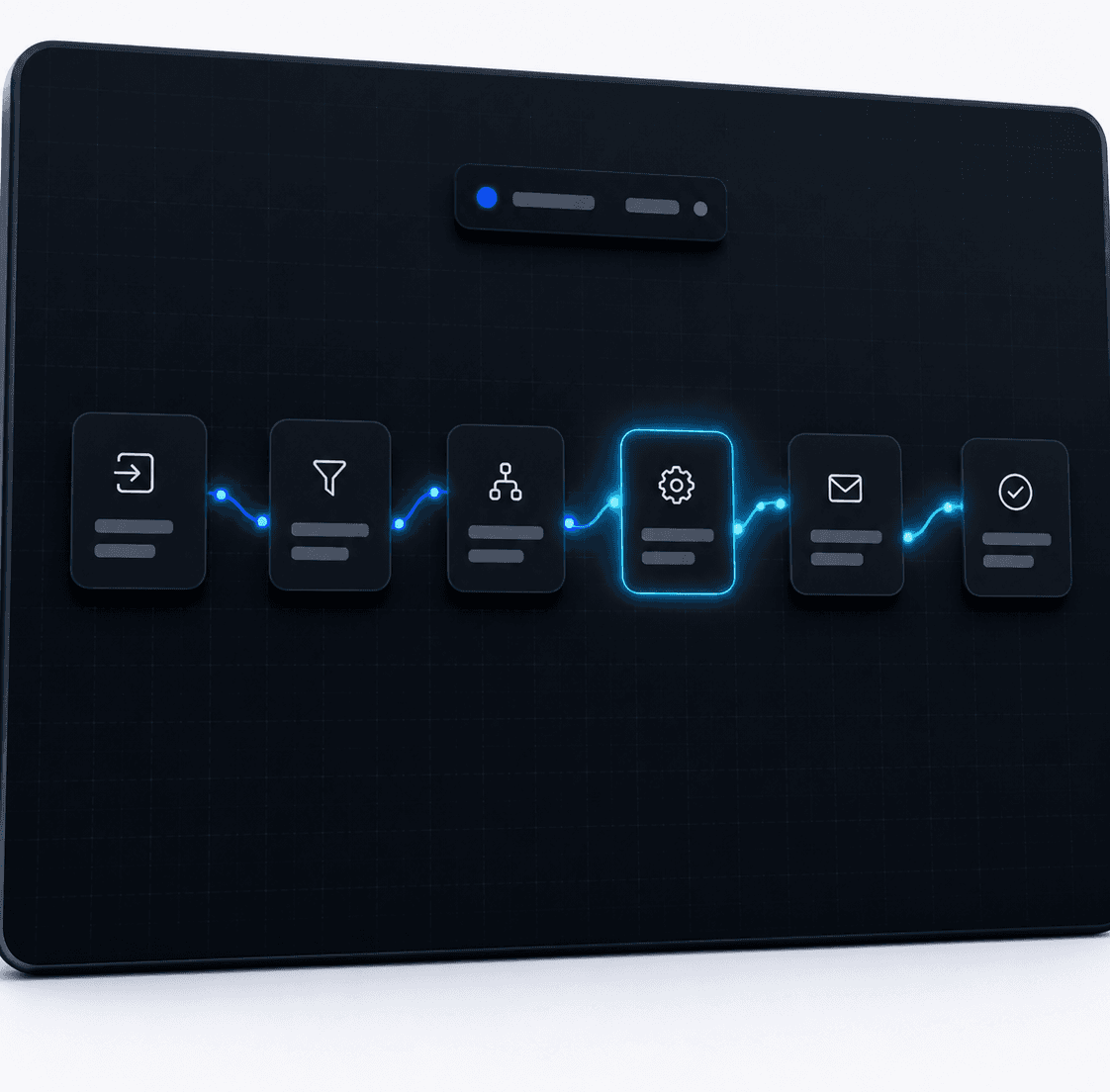
What is workflow automation?
Workflow automation is software that carries out the routine steps between your systems. A new enquiry arrives, and it's assigned to the right person, logged in the CRM, acknowledged by email and put into a follow-up sequence, without anyone touching it.
For a small team the value is plain. It gives back the admin hours nobody bills for, and it stops leads going cold because the follow-up depended on somebody remembering.
What we automate
- Lead intake from forms, email, calls and chat into one place
- Routing and assignment, so each enquiry reaches the right person
- Follow-up sequences that run until the lead books or says no
- Invoicing and payment reminders through Stripe, PayPal or Payoneer
- Reporting that assembles itself instead of being rebuilt by hand every Friday
- Two-way data sync, so your CRM, calendar and inbox agree with each other
Across the tools you already pay for
We don't ask you to rip anything out. Automations connect the software you've already chosen: Gmail and Outlook, Google Calendar, HubSpot, Salesforce and Zoho, Stripe, PayPal and Payoneer. If one of those tools is the real bottleneck we'll tell you, and it stays your decision.
Built to fail loudly
An automation that breaks quietly is worse than none, because everyone assumes the work is being done. Every build includes error monitoring and alerts, and a no-code handover so your team can see what's running and change the simple things themselves.
Which process should you automate first?
The first process should be frequent, boring and rule-based, with a result you can measure. Lead intake and follow-up usually win. We wrote up how to choose the first process worth automating, and our thirty minute audit call starts with exactly that question.
How automation connects to voice and chat agents
Automation is the part of the system that makes voice agents and chat agents useful. The agent books the job. The automation confirms it, reminds the customer, updates the pipeline and reports on it.
Common questions
Questions about Workflow automation
Do we need new software?
Usually not. We build across the tools you already pay for. If one of them is genuinely the bottleneck we'll tell you, but it's your call.
What happens when an automation fails?
You hear about it. Every build includes error monitoring and alerts, so a failed step is flagged instead of silently dropping work.
Can our team change it later?
Yes. We hand over with no-code access, so simple changes don't need us.
How long does it take?
Most deployments go live in three to six weeks, depending on how many systems are involved.