Is your chat widget slowing down your website?
The honest test takes ten minutes, and the fix costs your best visitors half a second.

Say you run a four-person letting agency in Bristol. You added a chat agent in August, because the enquiry form was losing anyone who wouldn't fill in six fields. It works. Twenty-odd conversations a week, half of them turning into viewings.
Then Search Console emails you. Your mobile pages have slipped to Needs Improvement on INP (Interaction to Next Paint, Google's measure of how quickly a page responds when someone taps or clicks). You run a speed test. The speed test says you're fine.
That gap is where a chat widget slowing down your website usually hides.
A chat widget slows a site the same way nearly every time: the vendor's script downloads, parses and runs on every page for every visitor, including everyone who never opens it. Whether yours is doing that is a measurable question, not an opinion, and the measurement has to come from real visits rather than a lab test. Most widgets can be cut to a few kilobytes on first load using a facade, a fake chat button that loads the real widget only when someone reaches for it.
Is a chat widget slowing down your website, or is it something else?
You can't tell by looking, and a speed test won't tell you either. You have to measure it, and the measurement that counts comes from real visits rather than a lab run.
The 2025 edition of the HTTP Archive's Web Almanac found that 90% or more of pages load at least one third party, with a median of 83 third-party requests per page on desktop and 79 on mobile. Chat tools sit in a category the Almanac calls Customer Success, which it describes as scripts from "customer support/marketing providers that offer chat and contact solutions". It adds that these "are generally heavier in weight".
Heavier than what is the question. Here's the sequence we use:
- Open the Chrome DevTools Network panel, reload a page, and filter requests by your vendor's domain. Note the transferred bytes and the request count.
- Switch to the Performance panel, record a reload, and look for long tasks attributed to that same domain. Chrome flags any task over 50 milliseconds.
- Pull your field INP from the Chrome User Experience Report, or from Search Console's Core Web Vitals report, which draws on the same data.
- Compare the two.
A page with 40 kilobytes of chat script and a 180 millisecond field INP has no chat problem. A page with 700 kilobytes and a 400 millisecond field INP has one. Google's own web-vitals library sets the rating boundaries for INP at 200 and 500 milliseconds, so 200 is the number to beat at the 75th percentile of real visits.
Under that, the widget isn't your problem. Go and look at your images instead.
Why is my chat widget slow when PageSpeed says my page is fine?
Because the test never clicks anything, and because your widget is probably hiding inside an iframe. Two separate mechanisms, both documented.
The first is in the web-vitals README, in one flat sentence: "INP is not reported if the user never interacts with the page." A synthetic test loads your page, scores it, and leaves. It never taps the menu or the chat bubble. So the metric your widget hurts most is the one the test cannot produce, and you get a green number for a page that frustrates real thumbs.
The second is sharper. The same README says the measurement APIs "have no visibility into <iframe> content (not even same-origin iframes)". Pages using iframes, it continues, "will likely see a difference" between what the library measures and what the Chrome User Experience Report holds, because CrUX does include iframe content.
Read that again with a chat widget in mind. Most hosted widgets render their panel in an iframe pointed at the vendor's domain, which takes ten seconds to confirm: open the chat, right-click inside the panel, and choose Inspect.
If you land inside an <iframe>, your own monitoring and Google's field data are measuring different pages. Your dashboard is clean. Search Console isn't. Nobody is lying.
The Almanac authors hit the same wall. They note that HTTP Archive crawlers "do not interact with web pages or scroll down the page, which may prevent some third parties from loading properly due to lazy loading". A crawler that never hovers never triggers your widget.
How do you stop a chat widget slowing down your site?
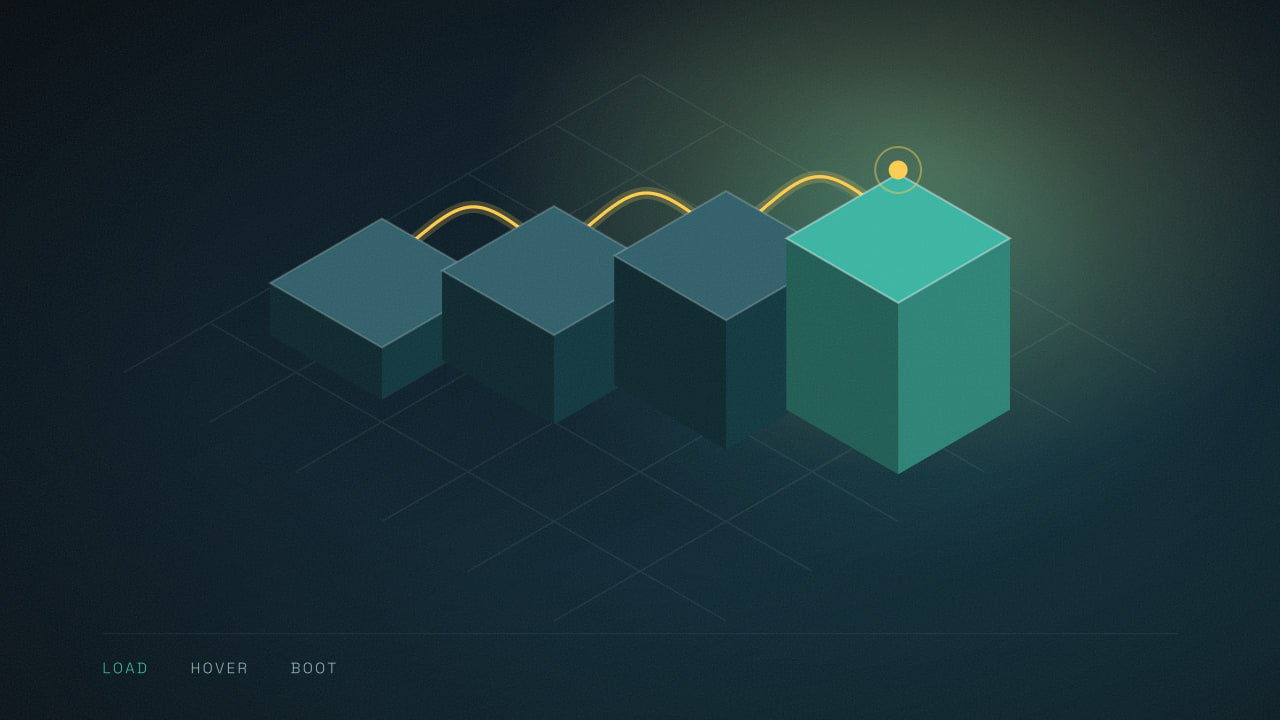
Replace the widget with a facade on first load, and boot the real one on intent. A facade is a static button that looks like the chat bubble and costs a few kilobytes, nothing more.
The best-known implementation is Calibre's react-live-chat-loader, whose README describes it plainly: it "shows a fake widget until the page has become idle or users are ready to interact with chat". It waits for one of three things before loading the vendor script. Someone hovers the fake button, someone clicks it, or the page sits idle for a significant stretch.
There are adapters for Intercom, Help Scout, Drift, Messenger, Userlike, Front, Chatwoot, HubSpot and Adobe Dynamic Chat.
You don't need that specific library. The pattern is about forty lines of plain JavaScript:
- Render a real
<button>in the corner, styled like the bubble, with the same dimensions so nothing shifts when the widget arrives. - Reserve its space in CSS. A widget that appears and pushes content is a layout shift, and layout shifts are graded too.
- On
mouseenter, add a<link rel="preconnect">to the vendor's domain, so the connection is already open by the time the cursor arrives. - On click, inject the vendor snippet, then open the panel once it reports ready.
- Keep the button's label and
aria-labelhonest. If an AI is answering, say so on the button.
One more lever, often better than all of this: don't load the widget on pages where chat earns nothing.
A letting agency needs it on listings and the contact page. It doesn't need it on the privacy policy, the careers page, or the eleven blog posts that bring readers rather than buyers. Scoping by route is a one-line change, and it takes the cost off most of your traffic.
The forms sitting beside it have their own quiet failure modes, which we've written about in why contact form emails go to spam.
Where a facade is the wrong call
A facade makes the first reply slower for the people most likely to buy.
Here's the trade. Before, someone clicked the bubble and the panel was already loaded, so they typed immediately. Now they click, wait for a few hundred kilobytes to download and boot, and then type. On a good connection that's half a second. On a phone with two bars in a car park, four or five.
And the person clicking your chat bubble is, by definition, your highest-intent visitor of the day. Making them wait to save page speed for people who were never going to chat is a trade you should make on purpose, not by default.
It gets worse in one specific case. If your chat agent relies on a proactive trigger, the message that opens itself after twenty seconds on a pricing page, a facade removes that entirely. A widget that hasn't loaded can't pop open.
For a business where that nudge is doing the lead generation work, we'd tell you to leave the widget loading normally and find your page speed somewhere else. We'd rather lose the argument than the leads. Response speed is what decides who gets the job anyway, which is why we keep coming back to lead response time.
There's an accessibility trap too. The fake button has to be a real button: focusable, operable by keyboard, with an accessible name. WCAG 2.2 (the Web Content Accessibility Guidelines) covers this in success criteria 2.1.1 (Keyboard) and 4.1.2 (Name, Role, Value), and a <div> with a click handler satisfies neither.
If the iframe arrives without a title attribute, a screen reader announces it as "frame", and the visitor has no idea what they've landed in.
What's changing for chat widgets over the next year
Two things are already written down, and one of them is a law.
Article 50(1) of the EU AI Act has applied since 2 August 2026. It requires that AI systems "intended to interact directly with natural persons" are built so those persons "are informed that they are interacting with an AI system", with an exemption where that fact is already obvious. The European Commission publishes guidance on these transparency obligations.
Now put that next to a facade. If the disclosure lives inside the widget, and the widget doesn't load until someone clicks, then the first thing a visitor interacts with is a button that tells them nothing. So put the disclosure on the facade. "Chat with our AI assistant" costs you no bytes and no ambiguity, and it's a better button label regardless.
The second thing is smaller and more awkward. The react-live-chat-loader README now carries a notice that the project "is looking for collaborators, maintainers and/or new stewardship", with the Calibre team saying they've taken it as far as they can.
Nothing is broken today. But if you build on it, plan to own the code: vendor it, read it, and expect to patch an adapter yourself when a chat provider changes its embed snippet.
The Almanac's own numbers point the same way. Third-party requests per page rose year over year across every rank band, by five at the median, even as the count of distinct third-party domains fell. Individual vendors are sending more requests, not fewer. Your widget won't get lighter on its own.
What to do this week
Measure before you change anything. Pull your field INP from Search Console, then filter the DevTools Network panel to your chat vendor's domain and write down the kilobytes.
If the number is small and your INP is under 200 milliseconds, close the tab and go and compress your hero image. If it's large, scope the widget to the pages where chat converts, because that costs nothing.
Then try a facade on those pages, with the AI disclosure on the fake button, and watch your field data for four weeks rather than reloading a lab test and declaring victory.
We build the chat agents and the sites they sit on, so we end up arguing both sides of this in-house. If you want to know whether your chat agent is costing you page speed, or you're weighing a widget against a WhatsApp thread and its own pricing mechanics, tell us what you're running and we'll go through the real numbers with you.
Common questions
Still wondering
Does a slow chat widget hurt my search rankings?
It can, indirectly. Core Web Vitals are part of Google's page experience signals, so a widget that pushes your field INP past 200 milliseconds makes your pages measurably worse on a metric Google reads. The effect is usually small next to content and links. Treat it as one input among several, not as the reason a page ranks badly.
Should I just remove the chat widget from my website?
Rarely. If the widget books appointments or qualifies enquiries, removing it costs revenue to save milliseconds. Scope it instead. Load it on listings, pricing and contact pages, where chat converts, and leave it off policy pages, careers pages and blog posts. That removes the cost from most of your traffic without removing the channel.
Will lazy loading my chat widget lose me conversations?
Only if you do it badly. Preconnecting to the vendor's domain on hover hides most of the delay, because the handshake finishes while the cursor travels. The real risk is proactive messages: a widget that has not loaded cannot open itself after twenty seconds on a page. If those nudges drive your leads, keep the widget loading normally.
Is a WhatsApp link faster than an on-site chat widget?
Much faster, because a click-to-chat link is just an anchor tag with no script behind it. The trade is that the conversation leaves your site and lands in a channel with its own messaging rules and per-message costs. For mobile-heavy audiences in the UAE and the GCC it often wins anyway. Measure both before committing.
Read next
How WhatsApp service message pricing hits your chatbot bill
WhatsApp service message pricing starts billing chat agent replies on 1 October 2026. The free tier is 1,000 messages a month, not 1,000 chats.
Why are my contact form emails going to spam?
Contact form emails going to spam is an authentication problem with a short fix. The silent failure underneath it costs far more leads.
Why your AI receptionist gets names wrong on calls
Your AI receptionist gets names wrong because the phone line drops the sounds that tell letters apart. Here is what actually fixes it.